 Lumalien
LumaLight
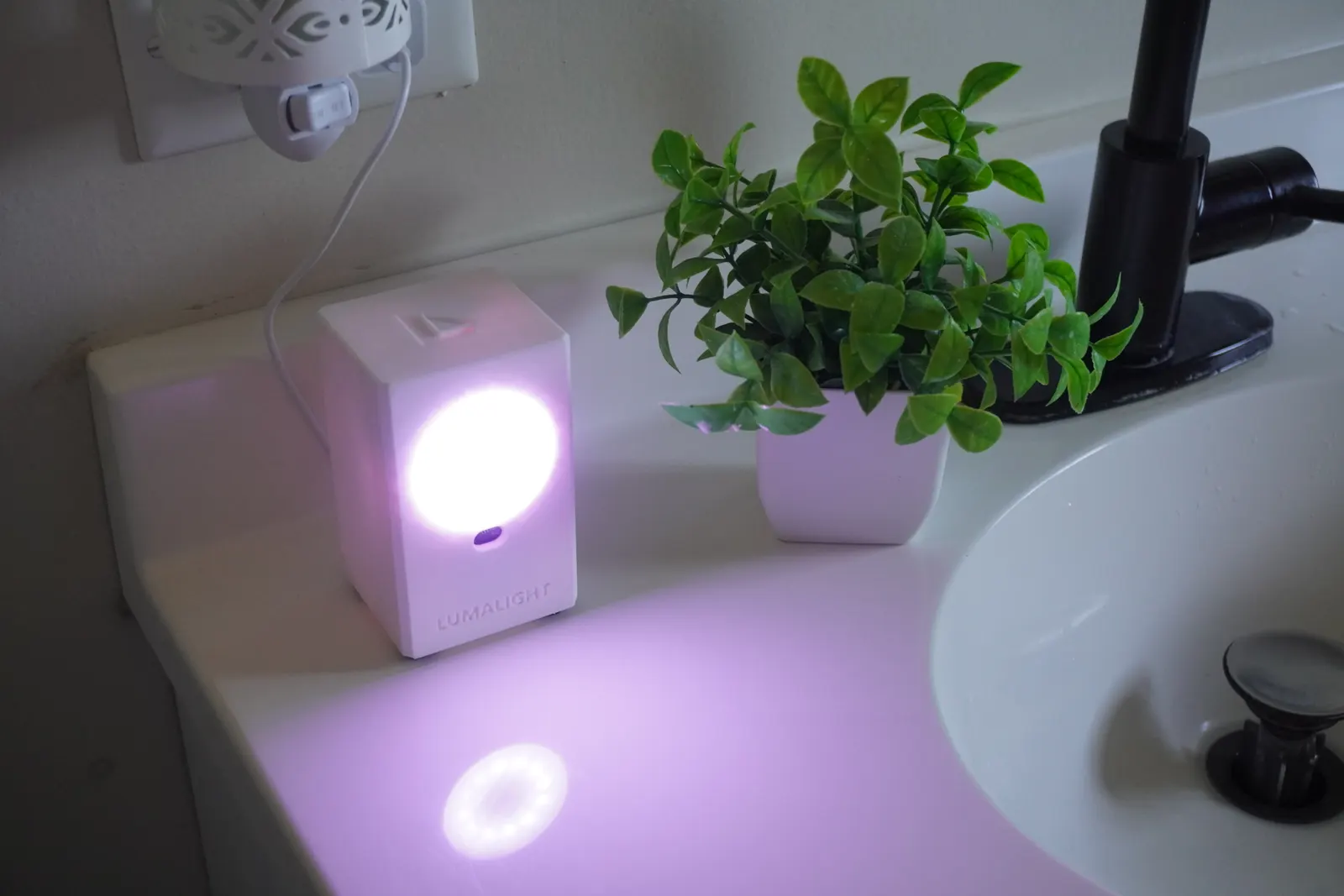
An open-source proximity nightlight. A laser distance sensor sees you walk past, and a ring of light fades in, shifting from purple to white as you get closer.
Free
Free and open source under the MIT license: the firmware, the bill of materials and the CAD. You supply the parts and the filament.
A light that sees you coming
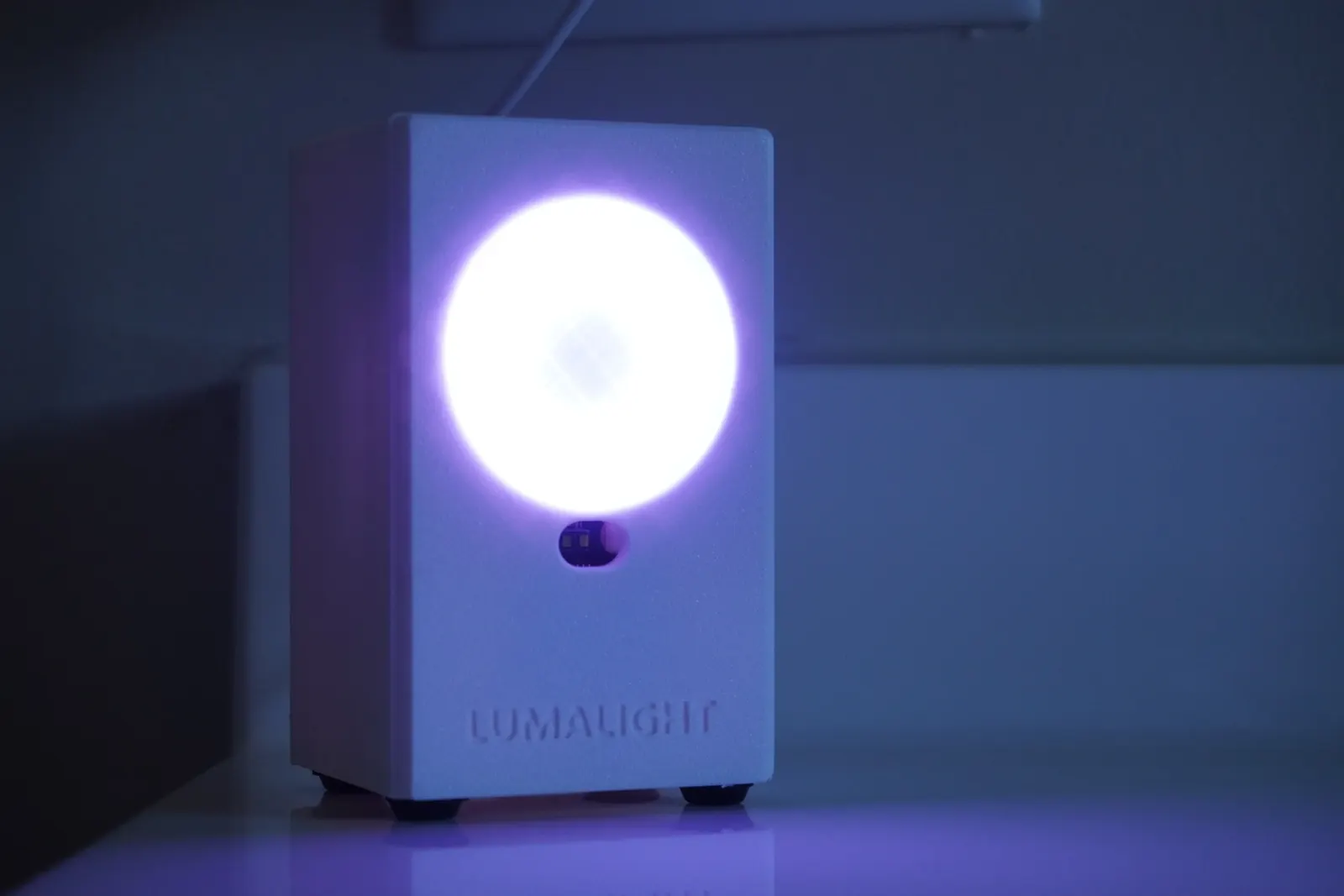
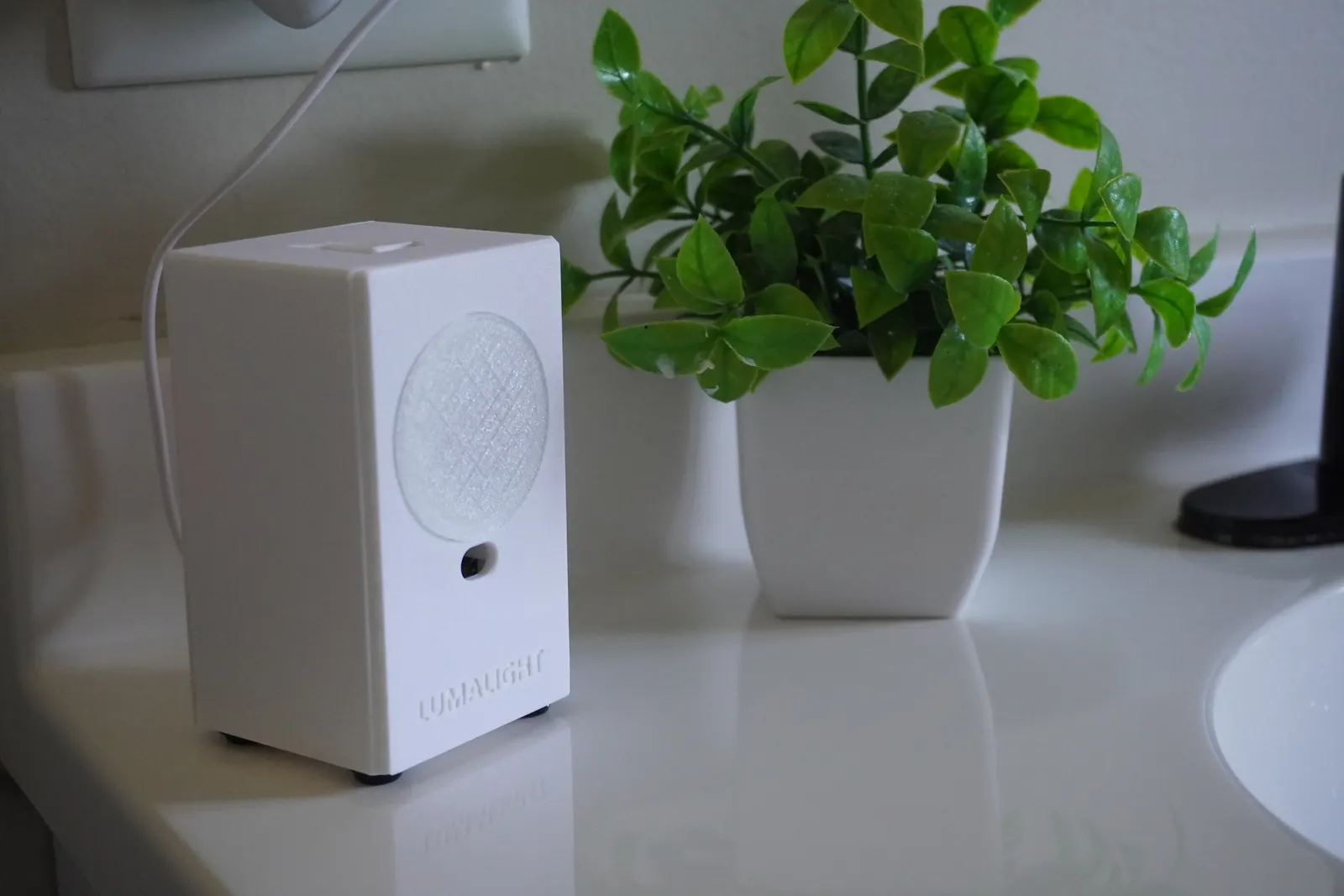
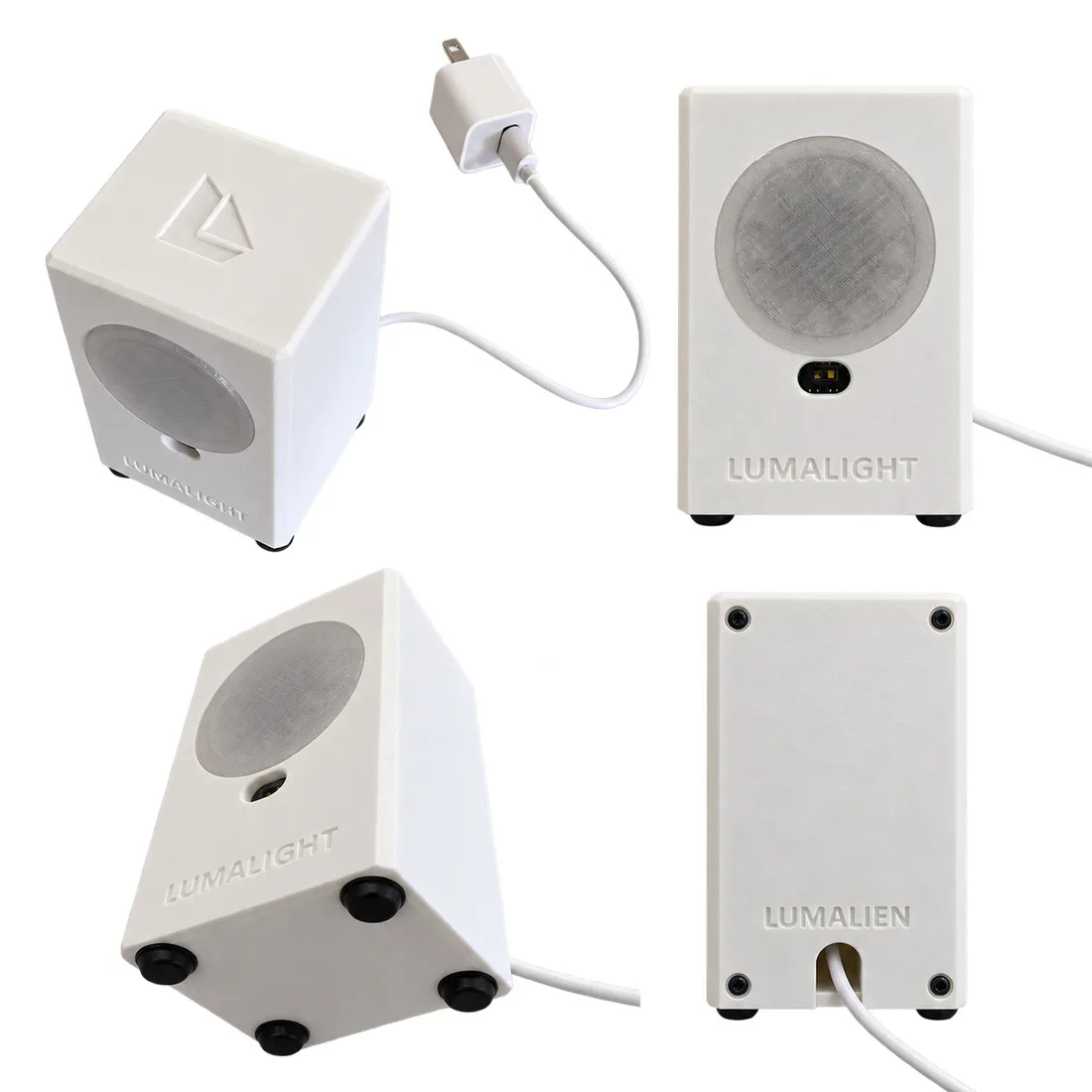
LumaLight is a nightlight for the hallway, the bathroom or the bedside. An ESP32 watches a VL53L1X time-of-flight sensor, and when someone walks past it lights a 12-LED ring behind a frosted diffuser.
The colour shifts from purple to white and the light brightens as you get closer. It stays on for two minutes, then fades out. The sensor uses its own infrared laser, so it works in complete darkness.
It is a small first build: three boards, five printed parts and ten screws, with every screw driven from outside the part.
Specs
- Size
- 62 by 56 by 100 mm
- Controller
- ESP32 dev board
- Sensor
- CQRobot VL53L1X time-of-flight distance sensor
- Light
- A 12-LED NeoPixel ring behind a 46 mm diffuser, brightness capped for USB power
- On time
- Two minutes, then a one-second fade
- Power
- USB
- Updates
- Over USB, or over Wi-Fi after the first flash
- Printed parts
- Five, with no supports, plus a test coupon
- Hardware
- Ten M2.5 self-tapping screws. No inserts
It needs no app, no account and no network. Wi-Fi is only for flashing new firmware, and the light never waits on it.
The BOM, the CAD and the code
Nothing about LumaLight is held back. All three are public on GitHub, free to read, build, change and share.
Bill of materials
Three boards, a USB cable, ten screws and three colours of filament. No inserts and no magnets.
CAD
Five print-ready STLs, a test coupon for the sensor pocket, the Blender model and the CadQuery script that generates them.
Code
ESP32 firmware built with PlatformIO, with optional updates over Wi-Fi once it is flashed the first time.
How it decides to turn on
A wall right behind the light does not matter, because only a change counts. All of this is three constants at the top of the firmware.
A snapshot of the empty room
At power-up and every time the light goes off, it averages five readings and saves them as the room's normal distance.
A change turns it on
Two readings in a row more than 150 mm from the snapshot, closer or farther, and the ring fades in.
Distance sets the colour
While it is on, closer means whiter and brighter. Distance never extends the two-minute timer.
Tune it in the code
Raise the threshold if steam or a mirror turns it on by itself, lower it if it misses people, and change the on time to taste.
Build it in four steps
Each step is a document in the repository, written for a first build.
Buy the parts
An ESP32 dev board, a VL53L1X sensor board, a 12-LED NeoPixel ring, jumper leads, a USB cable and ten screws.
Print the parts
Print the 20-minute sensor test coupon first, then the back panel, then the body. White, a transparent diffuser and purple inlays.
Assemble
Everything is wired on the bench first. The ESP32 hangs on the back panel, the sensor pushes in from behind, the ring loads from the front.
Flash the firmware
One PlatformIO command over USB. Add your Wi-Fi details first and every later update can go over the air.
Five printed parts
Three-millimetre walls and no supports. The body prints face down, so the plate texture finishes the front and every inner feature grows straight up.
Body
62 by 53 by 100 mm
White. Prints front face down, open back up.
Back panel
62 by 100 by 3 mm
White. Carries the ESP32 on four standoffs.
Diffuser
45.8 mm across
Transparent. The bed texture frosts it. Glued in, it captures the ring.
Logo inlays
Two pieces
Purple. The Lumalien mark, glued into the top.
Sensor test coupon
44 by 48 mm
Any colour, about 20 minutes. Print it before the body to check the sensor fit.
Not in the download
Build one, and show us.
The firmware, the STLs and the generator script are all in one repository under the MIT license. Remixes and fixes are welcome.
Found it useful?
LumaLight is free and always will be. If it lit your hallway, a donation of any size helps fund the next robot.
See every Lumalien robot in the store.