 Lumalien
FLORA
An open-source robotic plant companion. A Raspberry Pi 5 that reads your plant's soil, light, temperature and humidity, and talks with you about how it is doing.
Free
Free and open source under the MIT license: the code, the bill of materials and the CAD. You supply the parts, the filament and an OpenAI API key.
A plant that can tell you how it is doing
FLORA sits beside a plant with a capacitive probe in its soil. Ask how your plant is doing and it takes live readings of soil moisture, light, temperature and humidity, then answers out loud.
It learns your plant through conversation. Tell it the plant's name, what kind it is and where it lives, and it remembers. There is no built-in species list or watering schedule: FLORA records what it measures and reasons from your plant's own history.
Everything runs on the Raspberry Pi 5 inside. Memory is a local database on the Pi, and no recordings or transcripts are stored.
Specs
- Size
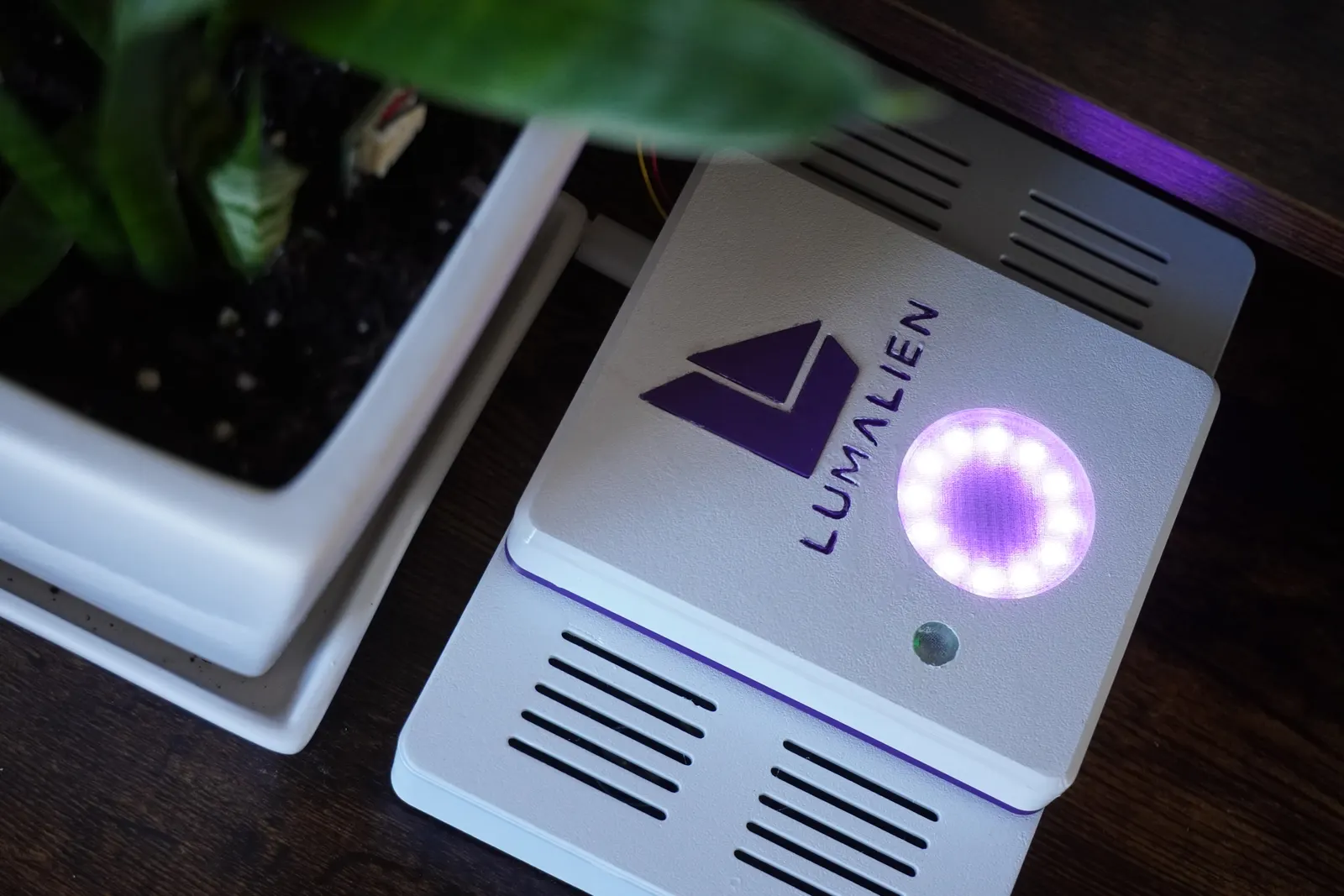
- 188 by 118 by 46 mm, a low console
- Compute
- Raspberry Pi 5
- Sensors
- Capacitive soil probe, VEML7700 light, SHT41 temperature and humidity, on one STEMMA QT hub
- Audio
- Waveshare WM8960 audio HAT with built-in mics and two 5 W speakers
- Light
- A 12-LED NeoPixel ring under a printed halo lens
- Voice
- OpenAI Realtime, with your own API key
- Memory
- Local SQLite on the Pi. No transcripts kept
- Printed parts
- Ten, sized for a 256 mm bed. Designed on a Bambu Lab A1
- Power
- USB-C into the Pi
Voice runs online through OpenAI Realtime, billed to your own OpenAI account. The sensors, memory and light ring work on the Pi itself.
The BOM, the CAD and the code
Nothing about FLORA is held back. All three are public on GitHub, free to read, build, change and share.
Bill of materials
Every board, sensor, cable, screw and insert, with the exact Adafruit and Waveshare parts the enclosure was modelled around.
CAD
Ten print-ready STLs and the full Blender model, with every electronic part placed at real size.
Code
The Python app that runs on the Pi: voice, sensors, memory, the light ring and a boot service, with its tests.
What FLORA does
Every item here runs on the robot today, as the code in the repository describes it.
Live plant status
Ask "How's my plant doing?" or "How much light am I getting?" and FLORA reads its sensors on the spot. It never invents a measurement.
Learns your plant
Its name, its species, where it sits and what it is potted in. Told once, remembered across restarts.
Soil references
Tell FLORA when the plant is ready for water and again when it has been watered. It learns those two points for your actual pot.
History
Every reading is saved with a timestamp, so FLORA can compare today with last week instead of guessing from one snapshot.
A ring that shows its state
Dim purple while idle, a slow pulse while it listens, a sweep while it thinks, green while it speaks.
Remembers you
Your name, how you like to be spoken to, and the care you report, such as "I watered it today."
Not in this first version
- A wake word. It listens while running
- Interrupting it mid-reply
- Reminders or proactive alerts
- Watering the plant itself
Build it in four steps
Each step is a document in one of the two repositories. Nothing is hidden behind a download.
Buy the parts
The Pi 5, the audio HAT and speakers, four Adafruit sensor boards, the cables, and a short list of inserts and screws.
Print the parts
Ten STLs, already turned to their print orientation. White for the body, purple for the band and inlays, clear for the halo lens and light window.
Assemble
Set the inserts, seat the Pi and speakers in the tray, close the deck, then fit the halo, light sensor and hub into the spine.
Install the software
A Python virtual environment, your API key in a .env file, then a check command for each part before the first run.
Ten printed parts
Walls, floor and top are 2.4 mm, and every part fits a 256 by 256 mm bed. The screws are hidden: none show on the top or the front.
Base
188 by 118 by 27.2 mm
White. The tray that holds the Pi, the speakers and the temperature sensor.
Deck
188 by 118 by 5.4 mm
White. The speaker grilles. Prints upside down.
Spine
100 by 118 by 31.5 mm
White. Carries the halo, the light window and the sensor hub.
Collar
100 by 118 by 3 mm
Purple. The band between the deck and the spine.
Halo lens and retainer
Two parts
The lens over the light ring and the ring that holds it.
Light window
13.7 by 3.4 mm
Clear. A thin cup the light sensor reads through.
Logo inlay
33.2 by 36.8 mm
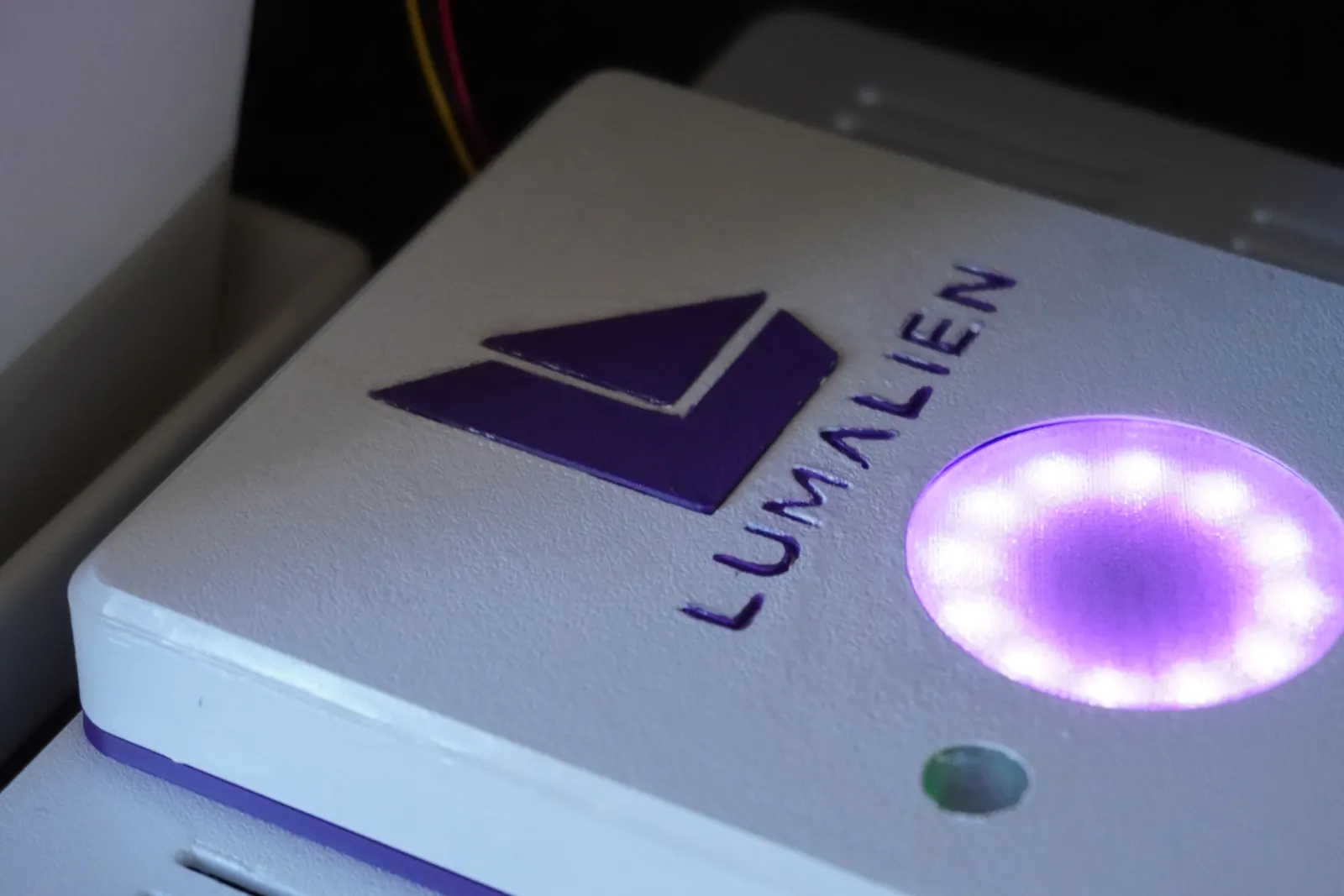
Purple. The Lumalien mark, glued into the spine.
Lettering inlays
Two sets
Purple. FLORA on the front, LUMALIEN on the spine.
Not in the download
Grow one, and show us.
The code is in one repository and the CAD in another. Build logs, photos, remixes and fixes are welcome.
Found it useful?
FLORA is free and always will be. If it helped you, a donation of any size helps fund the next robot.
See every Lumalien robot in the store.